
Signing out and timeouts
How to log out, how long you stay signed in, and what happens when a session ends by itself.
Updated
Press Log out when you finish, especially on a shared or centre computer. If you forget, the Hub closes your session after a time without any clicks.
Log out
- Press the round account button at the top right of any Hub page. It shows your initials, and says "Signed in as" and your name when you point at it.
- The menu shows your name, your email, your centre and your role: Staff, Parent, Parent view, or a Portal role such as Centre staff or Head office.
- Press Log out.
- You go to the sign-in page.
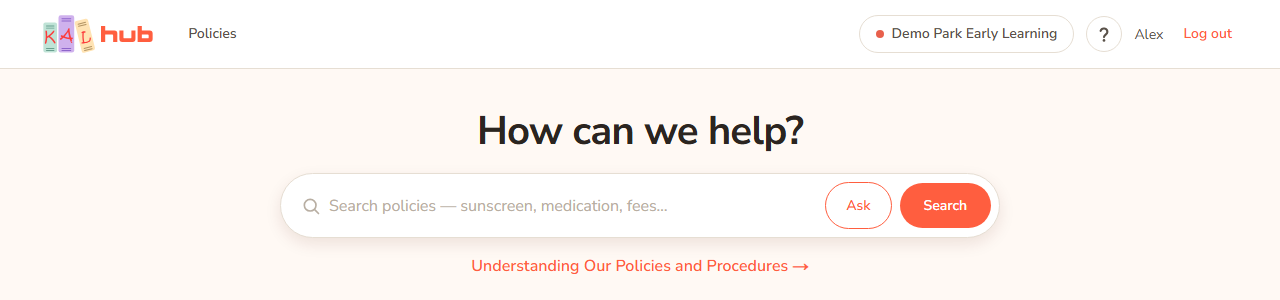
Example: Jordan Sample finishes reading a policy on the centre computer and presses Log out in the account menu. The next person who opens the Hub sees the sign-in page.
The menu closes when you press Esc, click anywhere outside it, or press Tab to move on. On a phone it opens full width under the header.
Change PIN
Educators who sign in through the KAL Portal with a PIN also see Change PIN in the account menu. It opens the Portal's Change PIN page. Parents, and people who sign in with a Portal password, do not see it. To change a Portal password use the Portal itself. See Sign in with an emailed code.
How long you stay signed in
| Who | Signed in for up to | Signed out after no clicks for |
|---|---|---|
| Parent | 30 days | 7 days |
| Staff with a KAL Portal login | 30 days | 24 hours |
| Educator (emailed code) | 7 days | 24 hours |
| Head office editing console | See below | 15 minutes |
The editing console has its own session. A head office person opens it with a button on the Admin page, and it lasts 8 hours. When it ends, the next console page says "Your admin session has ended" and "For safety, the admin console signs you out after 8 hours." Press Open the admin console again to carry on. Your ordinary Hub sign-in is not affected.
The time can be up to five minutes longer than the table says.
Your access is checked while you are signed in
The Hub keeps checking that you are still allowed in, every few minutes. For educators it checks every minute. A person who has left KAL, or whose centre has changed, loses access quickly. Staff with a Portal login and head office are also checked against the Portal.
When a session ends
The next page you open sends you to the sign-in page. After you sign in again the Hub takes you back to the page you were trying to open.
Head office: viewing as a parent
When head office views the Hub as a parent, that view closes after 15 minutes without a click, and the page says "Your parent view timed out" with the words "A parent view closes after 15 minutes without a click." If head office access cannot be confirmed it says "Your parent view has ended" and "Your head-office access could not be confirmed, so the view was closed." Press Back to my own session to return. See View as a parent.
Every option
| Control | What it does | Who sees it |
|---|---|---|
| Account button (your initials) | Shows your name, email, centre and role, with Log out. | Everyone signed in |
| Log out | Ends your session on this device and goes to the sign-in page. From a parent view it hands you back to your own session. | Everyone signed in |
| Change PIN | Opens the Portal page where you change your PIN. | Educators who sign in through the Portal with a PIN |
| Open the admin console again | Appears on the "Your admin session has ended" page. | Head office |
| Back to my own session | Leaves a timed out or ended parent view. | Head office, after a parent view ends |
Questions
I logged out. Will I still be signed in on my phone?
Logging out ends the session on the device you pressed it on. Other devices stay signed in until they time out.
Why was I signed out after a day?
Staff and educator sessions end after 24 hours without a click. This protects staff-only policies on a shared screen.
Do I need to log out of the Portal as well?
Logging out of the Hub does not sign you out of the KAL Portal.
If something goes wrong
- "Your parent view timed out" Head office only. The view was idle for 15 minutes. Press Back to my own session.
- "Your parent view has ended" Head office only. Press Back to my own session.
- "Your admin session has ended" Head office only. The 8-hour console session is over. Press Open the admin console again.
- If you are sent to the sign-in page unexpectedly, your session ended. Sign in again. See Sign in problems.